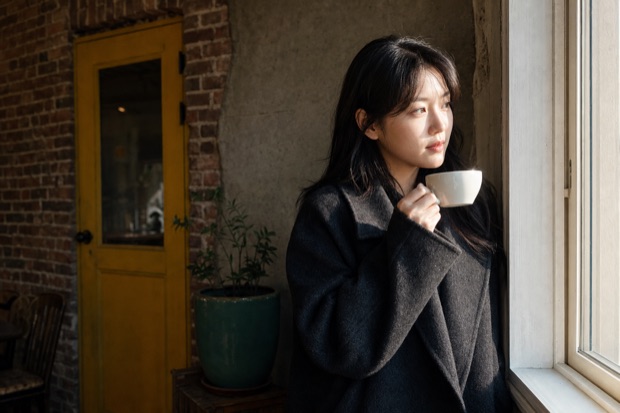
Film, Mono, and Artist are designed separately
Film focuses on film-like color response, Mono on contrast and texture, and Artist on color combinations and mood.
- LOOK FAMILIES
- 05
- WORKSPACE
- 16-BIT
VESPER OPTICYour first 36 photos are free
From warm summer light to cool city nights, choose a Look for the scene. Save the color you see, along with the untouched original.
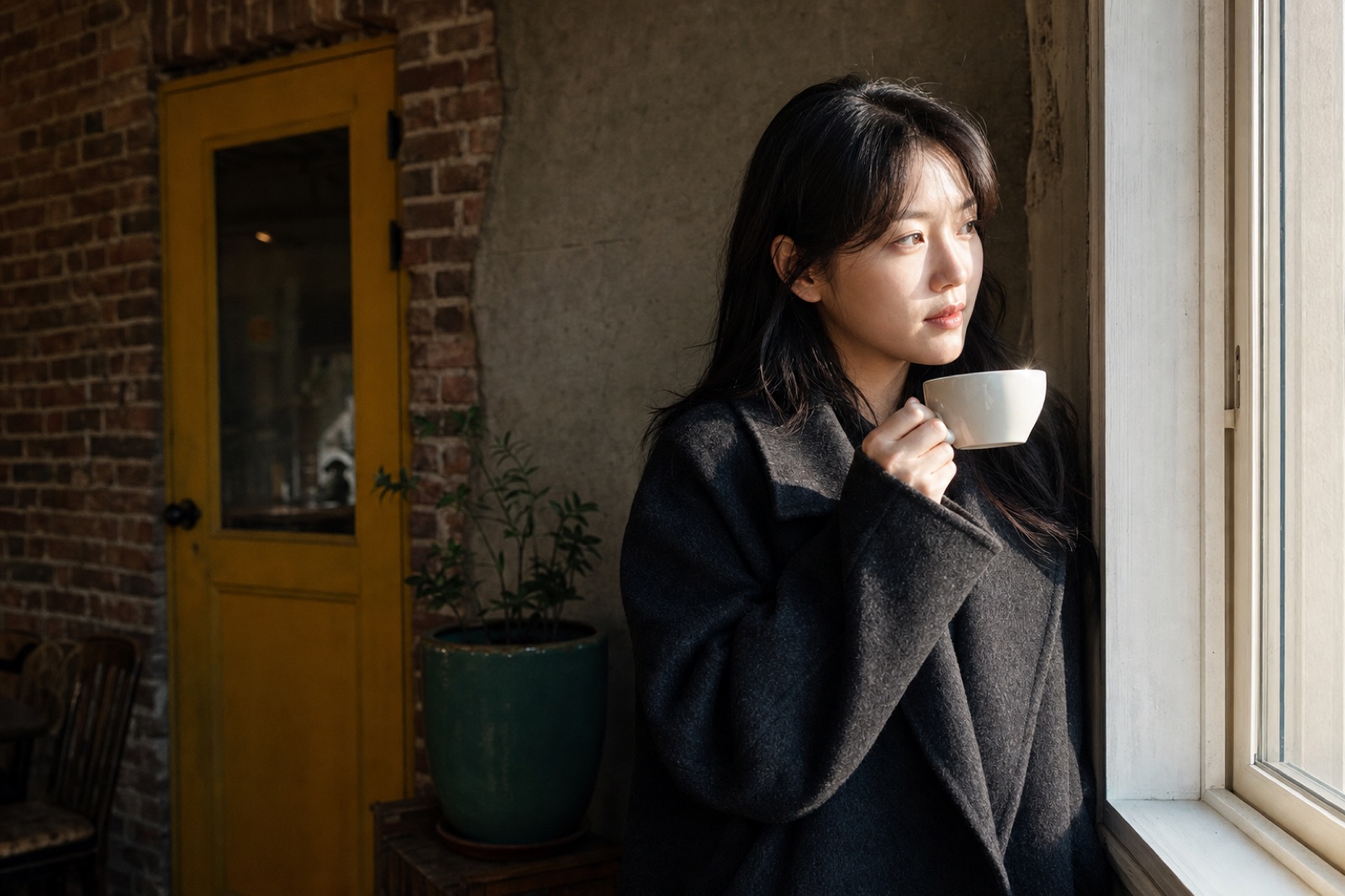
Change only the Look on the same scene.
01 — COLOR FOR THE SCENE
Color for the scene
From summer light to rain-dark streets.
Different scenes call for different color. Choose film-inspired Film, contrast-led Mono, or a more stylized Artist Look.
A Film Look that renders summer light with soft warmth.
A monochrome Look that keeps texture in shadows and space in highlights.
Adds cool teal to rainy streets and night scenes.
02 — WHAT IT DOES
Simple to shoot
Choose a Look before you shoot. Use manual controls when you need them, then edit again without changing the original.
Set exposure, shutter speed, ISO, and white balance for the scene.
Move between 0.5×, 1×, 2×, and 3× while checking the equivalent focal length.
On supported iPhones, a ProRAW (DNG) original is saved alongside the finished photo.
Paid plans carry the same Look through every video frame, at 1080p or 4K.
Change the Look, crop, or fine-tune again without touching the original.
Use a timer, grid, level, histogram, perspective correction, and info frames.
03 — FIRST FILM
Your first 36 are free
Use every launch Look during your first 36 photos. Your library, editing, and sharing remain available afterward.
When your first roll runs out, there are three ways to keep shooting.
Exact pricing appears in the App Store at launch.
Every option includes unlimited photos, video, and all Looks added in the future.
04 — THE LOOKS
Preview five Looks
Film focuses on film-style color response, Mono shapes contrast and texture, and Artist uses more distinctive color combinations. Compare them on the same photo.
오래된 여름 영화처럼 따뜻한 하루를 담습니다.
Compare Film, Mono, and Artist directly on the same photo.
05 — HOW LOOKS ARE MADE
How each Look is made
Film, Mono, and Artist process light and color in different ways, so the same scene produces clearly different results.
Film focuses on film-like color response, Mono on contrast and texture, and Artist on color combinations and mood.
Change the Look, crop again, or return to the untouched scene whenever you want.
Paid plans apply the same Look to the photograph and every frame of video.
Your scenes stay yours
All color processing finishes on your iPhone. Photos are never uploaded, and no account is required to shoot.
06 — QUESTIONS
Frequently asked questions
Clear answers to the questions people are most likely to ask before launch.
Vesper Optic is an iPhone camera app that lets you choose a Film, Mono, or Artist Look before shooting. It saves both the finished photo and the untouched original.
You can shoot your first 36 photos free with every Look available at launch.
Your library, editing, and sharing remain available. Continue shooting with a monthly or annual subscription, or a one-time purchase.
No. Color processing happens on your iPhone and photos are not uploaded. Only your email and consent record are stored if you request the launch notice.
Vesper Optic is currently in development for iPhone. Join the launch list to receive one email when it becomes available.
07 — LAUNCH NOTICE
Launch notice
Your first 36 photos are free. We use your email once for the launch notice.
One launch email. No newsletter subscription.
In developmentiPhone · First 36 photos free